60
Minecraft drops you into a huge block-based world and simply says: Figure it out. That’s the charm. From the first minute, you’re free to explore forests, caves, oceans, and mountains while gathering resources to stay alive.
If you enjoy games where creativity matters as much as survival, Minecraft delivers that balance extremely well. You might start the day cutting trees and mining stone, then spend the night hiding from creepers or building a small shelter.
What surprises many new players is how quickly a simple survival game turns into a huge building project. One small house easily becomes a village, then maybe a fortress.
Still, Minecraft doesn’t guide you much at the beginning. Some players love that freedom, while others may feel lost during the first hour.
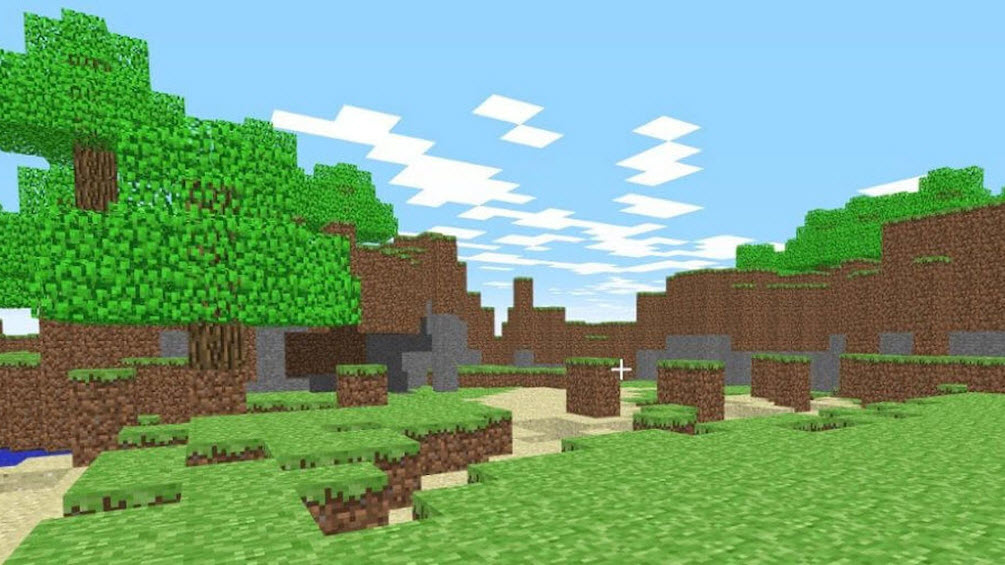
The basic gameplay loop in Minecraft is simple but addictive:
Explore the world around you
Gather materials like wood, stone, and food
Craft tools and equipment
Build shelters or structures
Survive hostile mobs at night
You can play in two main modes:
You manage health and hunger
Monsters appear at night
Resources must be gathered manually
Unlimited blocks and materials
You can fly around the world
Focus entirely on building and designing
Most players start in Survival because it gives a stronger sense of progression.
Basic Minecraft controls are simple and beginner-friendly:
W, A, S, D – Move
Spacebar – Jump
Left Click – Break blocks or attack
Right Click – Place blocks or use items
Scroll Wheel – Change hotbar items
E – Open inventory
1–9 – Select quick items
T – Open chat